I made a decision to not use Windows in my company.
This was not an ideological move. It was a security and control decision.
Over the years, Windows has slowly stopped serving users and started behaving as if it knows better.
Some concrete examples:
- You don’t fully control system reboots. I once warned during a job interview that I might drop from the call — and they understood.
- The system is bloated with ads and preinstalled applications that serve no business purpose.
- Microsoft increasingly pushes its AI and cloud services into the operating system itself.
- Even the branding reflects this shift: Microsoft Office no longer exists. It’s now Microsoft 365 Copilot.
- And finally, the official Windows 11 requirements enforce TPM 2.0 as a mandatory hardware feature — making millions of otherwise perfectly usable PCs obsolete.
In a time when hardware prices rise and RAM costs fluctuate, I want the freedom to buy older machines and keep using them for years.
This is not about nostalgia. It’s about control, longevity, and predictability.
This is a company decision — not a personal preference
This is not me as an individual choosing a laptop for myself.
This is me representing a company.
That means:
- employees
- support obligations
- internal standards
- long-term maintainability
So the question becomes obvious:
If not Windows — then what?
macOS: allowed, but selectively
Apple’s macOS is still a solid operating system that gives users a reasonable level of control.
The downside is vendor lock-in.
My decision is pragmatic:
- macOS is allowed on company premises
- Apple hardware can be purchased in justified cases
- especially for creatives who depend on industry-standard software
macOS is an option — not the default.

BSD systems: powerful, but not for laptops (yet)
The remaining alternatives are Linux, FreeBSD, and OpenBSD.
The BSD systems are excellent on servers. On laptops, they still require more polish.
My policy is simple:
- advanced users may run BSD if they want
- but anyone installing a non-standard system takes full responsibility for troubleshooting
My future IT team cannot support obscure individual choices.

Linux: the practical foundation
Linux itself is just a kernel.
What people usually mean by “Linux” is a distribution — a complete operating system built around that kernel.
There are hundreds of them. The best known include Debian, Ubuntu, Fedora, CentOS, and Arch Linux.
I personally use Arch Linux. It taught me Linux, and I know it well.
But what works for me does not automatically work for a company.
For company use, I wanted:
- a strong organization behind the system
- minimal downstream modifications
- predictable updates
- familiarity for users coming from Windows
The choice: Fedora with KDE Plasma
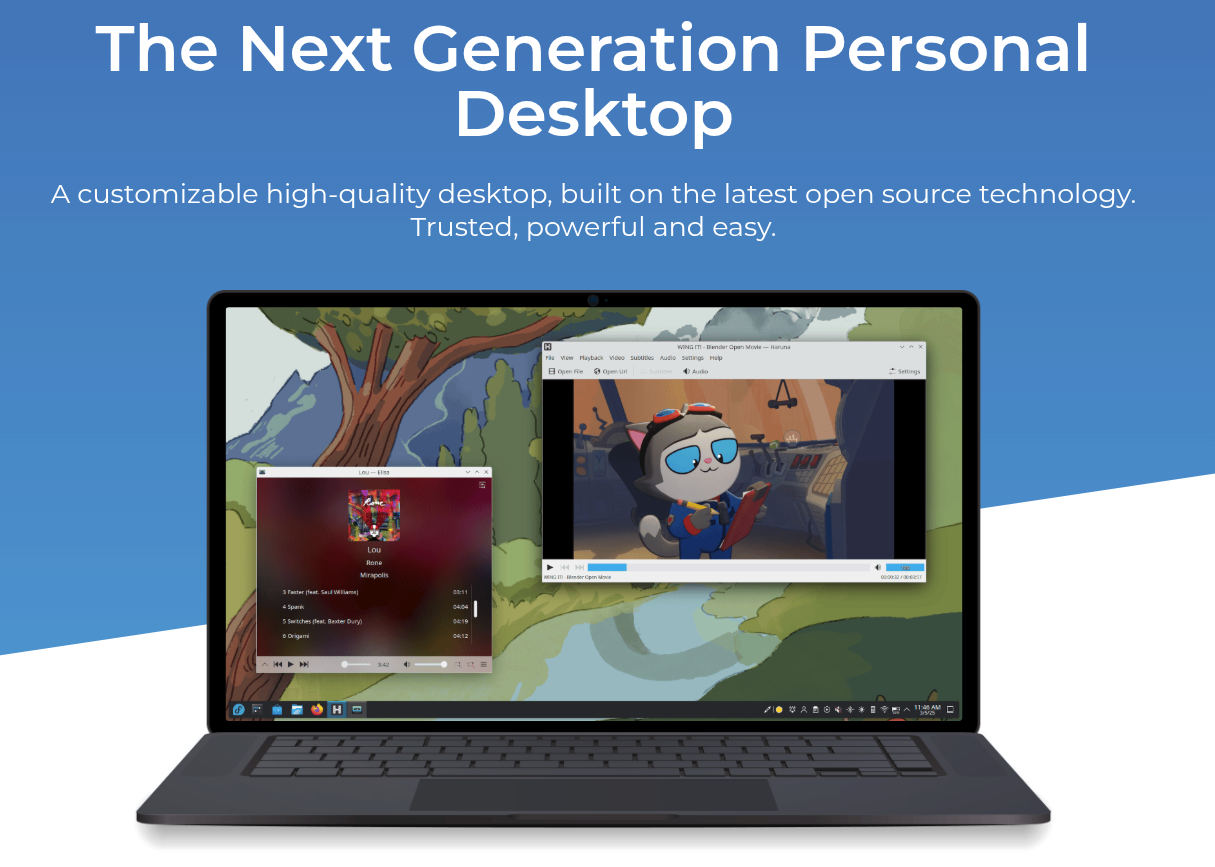
For the company, I chose Fedora with the KDE Plasma desktop.
Why Fedora?
- It is backed by Red Hat.
- Unlike Ubuntu, Fedora ships software close to upstream — what maintainers release is often what users get.
- Updates are frequent, but users remain in control of when they install them.
Why KDE?
Fedora’s default desktop is GNOME. I didn’t choose it.
If you want to transition employees from Windows, KDE is simply more familiar:
- taskbar
- window behavior
- system settings
- mental model
I don’t want employees fighting the interface.
A steep learning curve in daily tools is unnecessary friction.
The rest is documentation and support — and yes, I am prepared to invest in both.
Testing before commitment
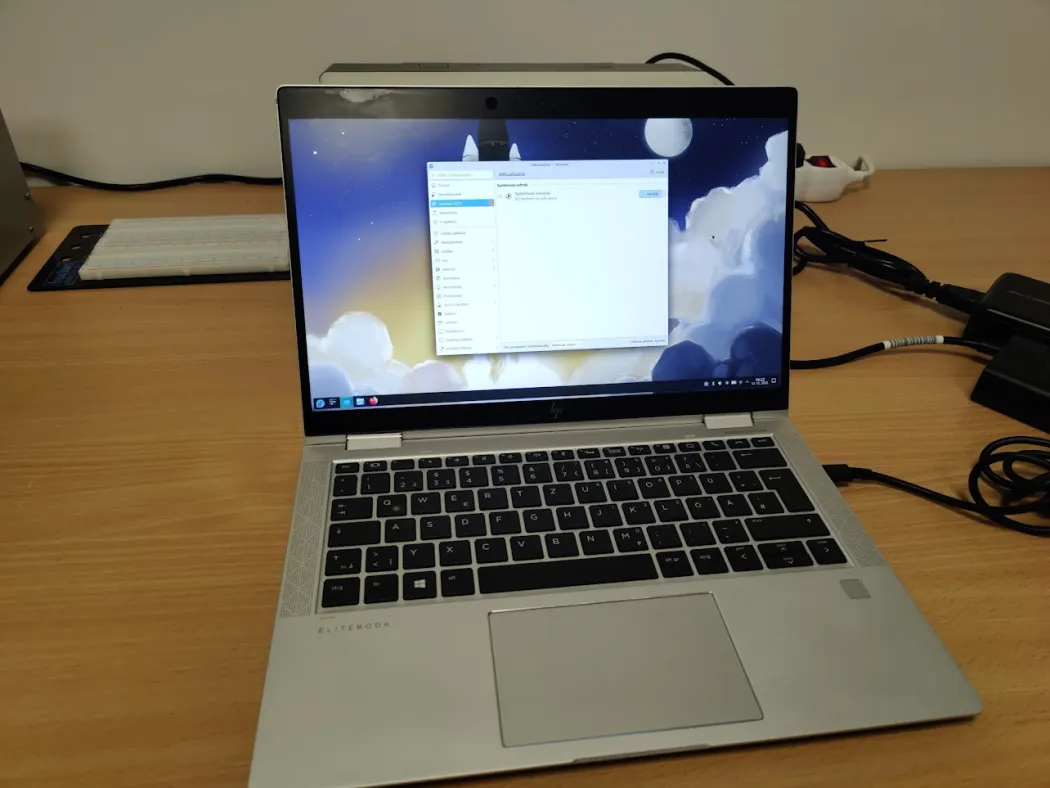
Before committing fully, I ran Fedora KDE as my daily driver for several weeks.
In one or two cases, I had to perform low-level operations:
- compiling and signing a driver
- importing keys into firmware
This was due to my specific use case.
99.9999% of users will never touch this.
The only real issue is media codec support. Fedora avoids shipping non-free codecs for licensing reasons.
This is solvable:
- internal documentation
- or a company-flavored Fedora installer with the required packages included
Fedora provides tooling for this.
What about legacy Windows software?
Some industry-standard software still runs only on Windows.
My long-term goal is to reduce this dependency and support cross-platform, open-source alternatives through funding and development.
But I’m not naive.
A company cannot wait ten years for perfect software to appear.
So Windows remains — but contained.
- Windows runs in virtual machines or on dedicated hardware
- these systems are strictly isolated from the company network
- only essential connectivity is allowed
I’ve already purchased a Windows Server 2025 license for deployment as a virtual machine on the application server.
This should cover 95–99% of remaining Windows dependencies.
Thinking in decades, not months
Abandoning Windows may sound radical at first.
But when you think in decades — not quarters — decisions like this feel not only reasonable, but inevitable.
I’ve already taken the first steps.
If you’re considering a similar transition and want to discuss the trade-offs, architecture, or migration strategy, feel free to reach out.