We shipped an n8n community node.
It works. It’s verified. It’s documented.
And yet — the real work wasn’t writing code.
It was removing friction between two systems that were never designed to work together.
The Product
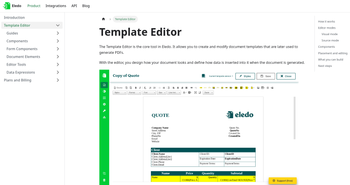
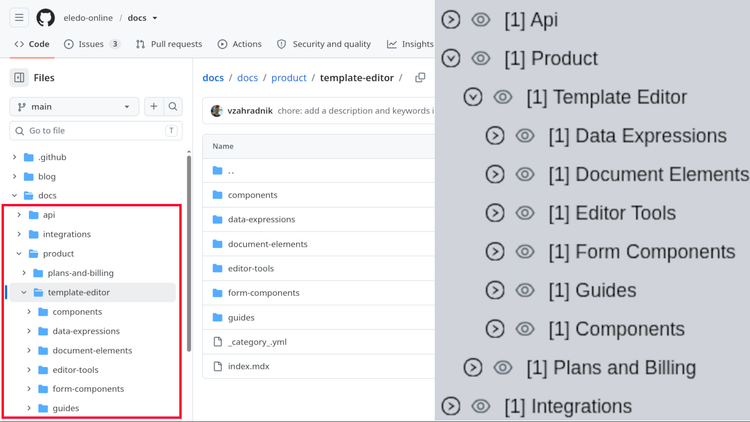
I was hired to create an n8n integration for Eledo — a SaaS platform that generates PDF files on demand.
The model is simple:
- design a template
- send data via REST API
- receive a generated PDF
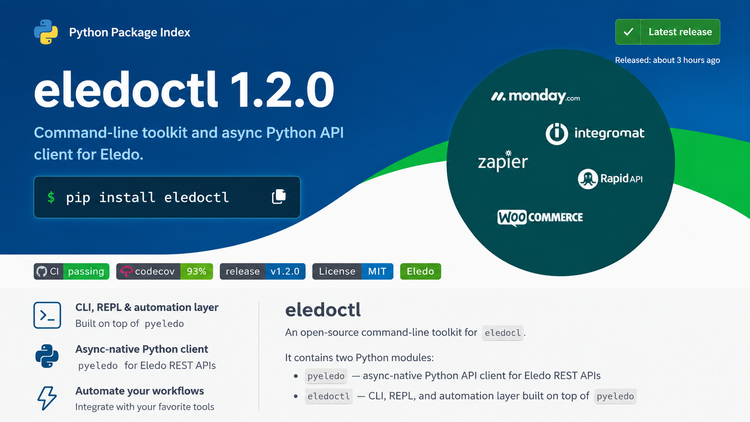
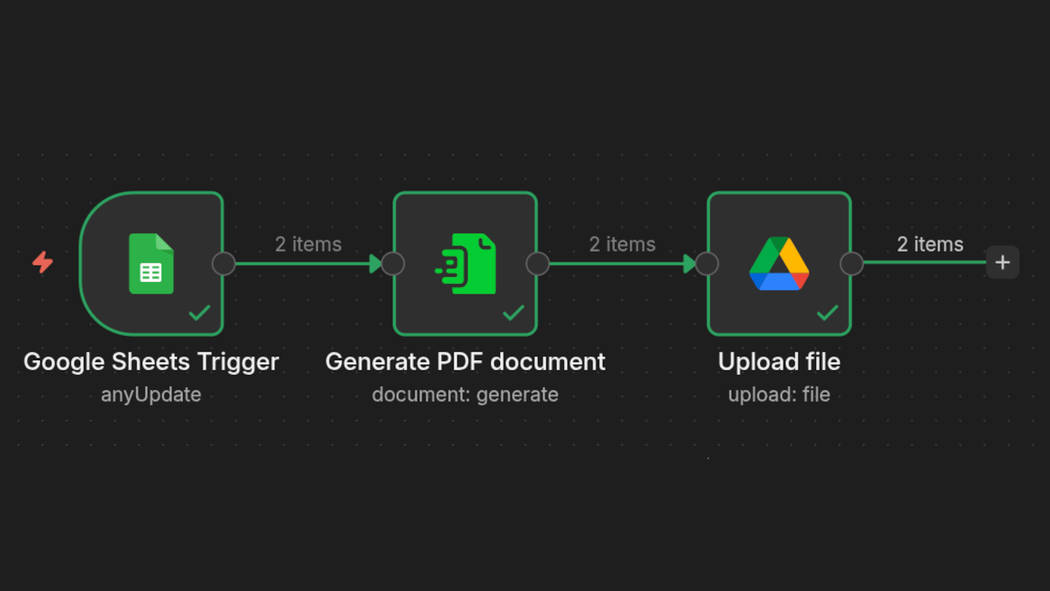
Eledo integrates naturally with automation platforms like Zapier, Make, Monday — and now n8n.
This node was our open-source contribution. I handled the full pipeline: coding, testing, and documentation.
The Goal
My goal was simple:
Absorb complexity in code — never expose it to the user unless absolutely necessary.
If users feel the underlying complexity, the integration has failed — even if the code is technically correct.
Knowing the Systems and Their Limits
In projects like this, coding is often the smallest part of the work.
The majority is understanding:
- how system A behaves
- how system B behaves
- where they conflict
An integration exists for one reason:
to remove friction between two systems
If that friction leaks to the user, the integration is incomplete.
The Ideal Workflow
Conceptually, the integration should look like this:
- Fetch available templates
- Let the user select one
- Fetch the template schema
- Present a form for data input
- Send payload
- Receive PDF
Clean. Simple. Predictable.
The reality was anything but.
The Constraint: n8n UI Model
n8n provides a powerful API layer — but the UI is opinionated.
n8n can render only static forms.
You can fetch dynamic data.
You can transform it.
But you cannot dynamically generate UI fields at runtime.
This constraint shaped the entire solution.
Researching the Competition
Before designing the solution, I analyzed existing PDF integrations.
Common patterns:
- complex UIs exposing everything at once
- heavy reliance on raw JSON input
JSON gives flexibility — but at a cost:
it shifts complexity to the user
That was not acceptable for this integration.
Guided Fields
The key insight came from real usage patterns.
~80% of templates use simple primitives:
- text
- numbers
- dates
- booleans
So instead of exposing full schema complexity, I introduced Guided Fields.
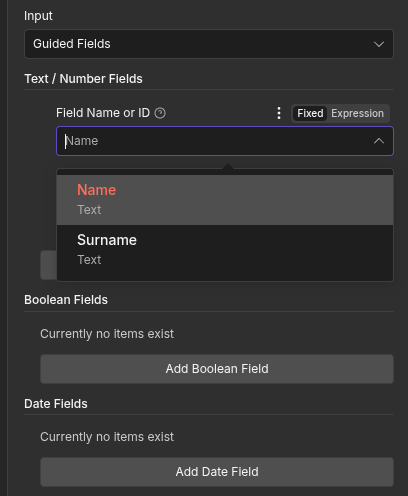
The node:
- fetches the template schema
- filters primitive fields
- maps them to native UI elements
This allows most users to operate without touching JSON at all.
Advanced users still have full JSON mode.
Simplicity by default. Power when needed.
A Critical Insight: Fault Tolerance
Eledo is tolerant to missing data.
If you send an empty payload, you still get a PDF.
The internal rule is simple:
If we can render something, we do.
An incomplete result is better than no result.
This single design decision influenced the entire integration.
Working with Incomplete Documentation
Many critical behaviors were not documented.
Examples:
- fault tolerance behavior
- real-world template usage patterns
- API inconsistencies
To build a reliable model, I:
- tested API endpoints manually using curl
- generated valid and invalid payloads
- captured them as fixtures
These fixtures later became part of the test suite.
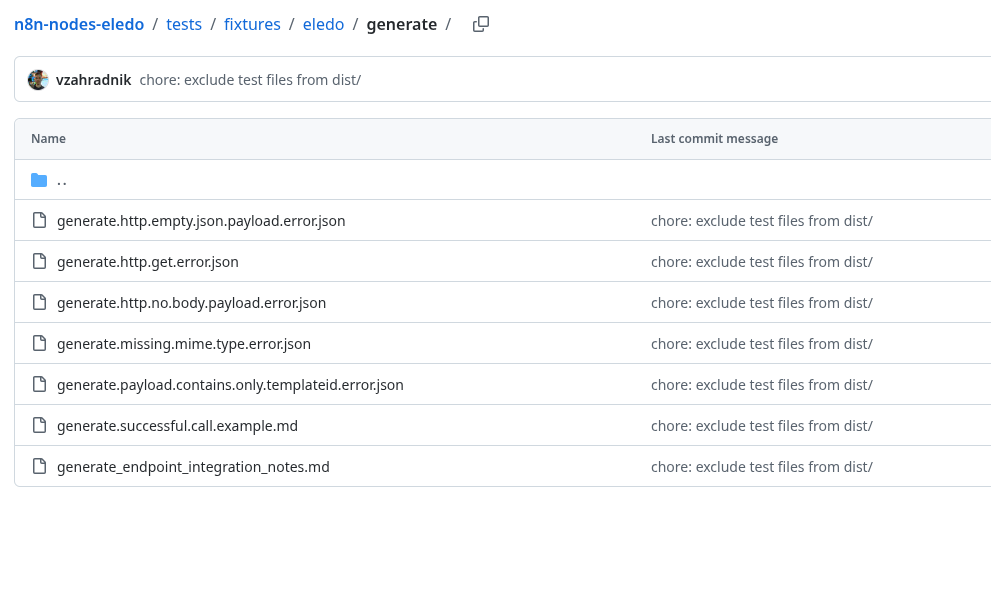
Tests are not just validation — they are executable documentation of real system behavior.
Testing Strategy
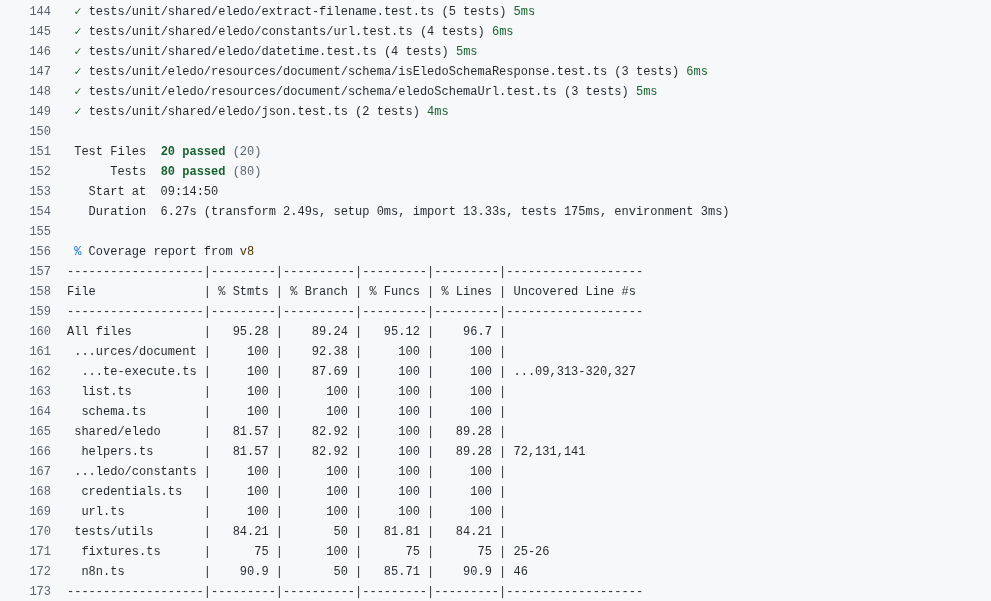
I used Vitest to cover:
- payload parsing
- payload generation
- validation
- API communication
The goal was not 100% coverage.
The goal was to protect the contract between:
- Eledo API
- internal node logic
If the API changes, tests fail — and the integration evolves consciously.
Tooling and Automation
From the beginning, I defined modern standards:
- GitHub Actions for CI
- automated builds on pull requests
- coverage reporting
- automated npm publishing
These were not optional — they are part of a production-ready integration.
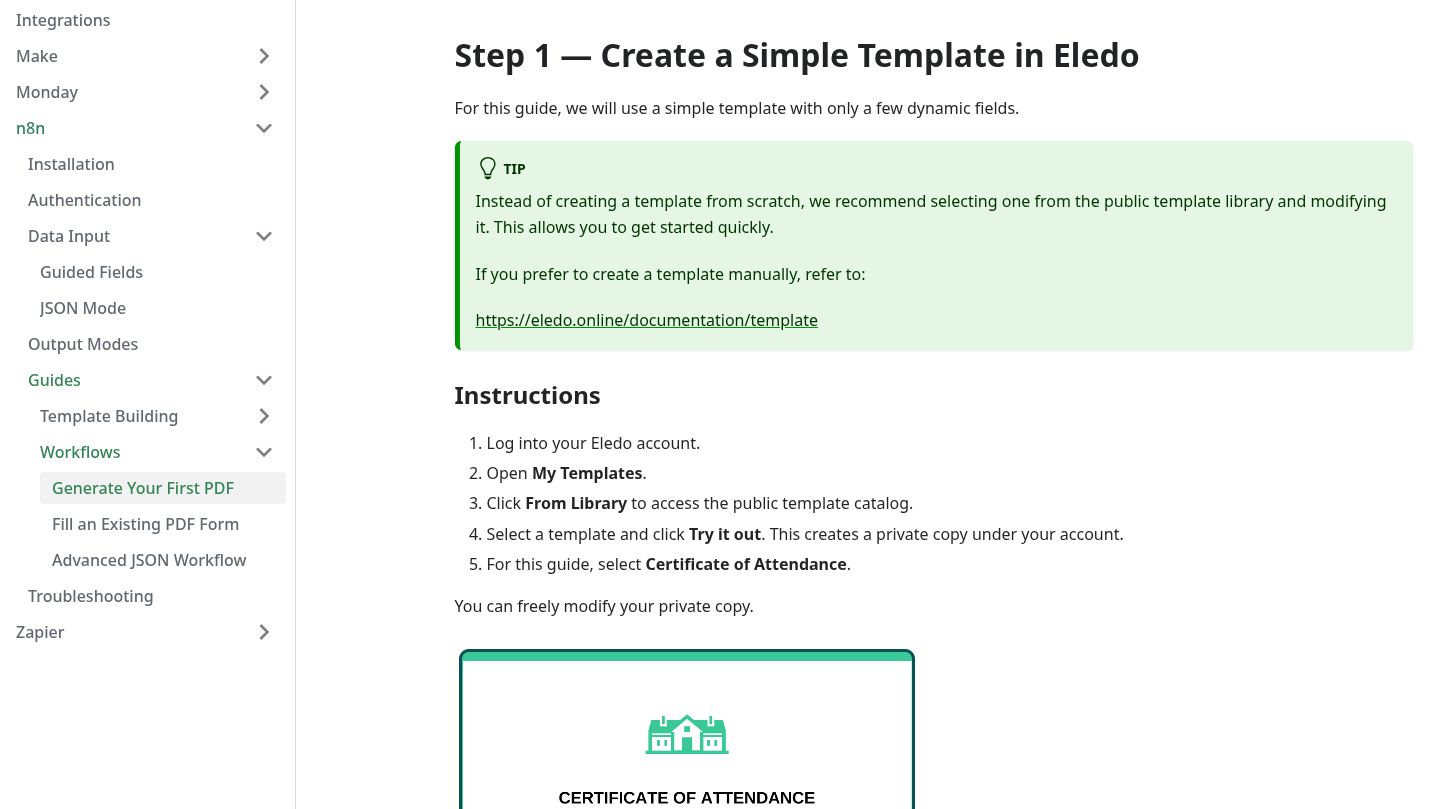
Documentation
A node without documentation is incomplete.
Over several months, I:
- wrote new documentation
- refactored older materials
- optimized for both non-technical and advanced users
This alone could be a separate case study.
Verification Process
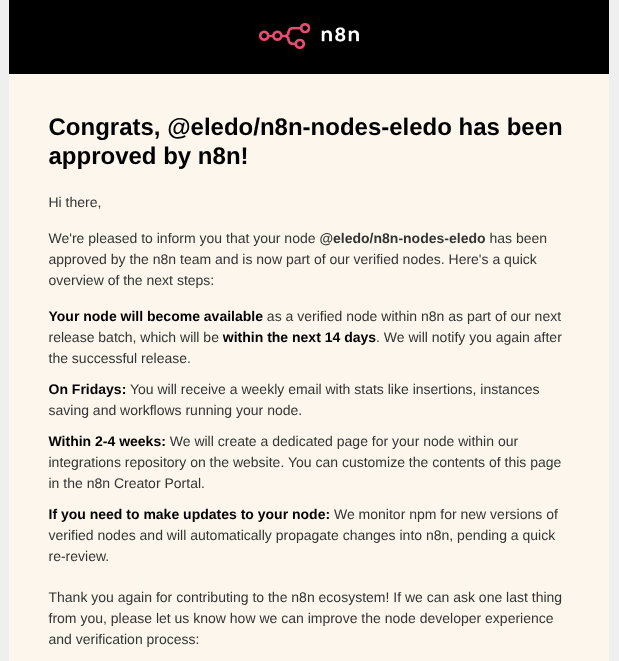
n8n requires community nodes to go through verification.
In our case, this took over a month.
Not because fixes were difficult — but because the process was iterative:
- submit
- receive partial feedback
- fix
- resubmit
Repeat.
This reduces load on n8n’s side, but introduces delays for contributors.
Not a technical constraint — a process constraint.
AI-Assisted Development
I used ChatGPT during development.
Not as an autonomous agent — but as an assistant.
- I made all architectural decisions
- I understood every line of code
- AI accelerated implementation and testing
Used properly, it increases velocity without sacrificing control.
Conclusion
This project took roughly five months.
Not because it was hard to code —
but because it required mapping two imperfect systems into something usable.
Users now:
- log in
- select a template
- input data
- get a PDF
Simple on the surface.
Underneath:
- inconsistent APIs
- missing documentation
- UI constraints
- edge cases everywhere
That’s the nature of integrations.
Good integrations hide complexity.
Great ones absorb it.
If you decide to try Eledo, feedback is always welcome.