As an Android developer, I got used to something that quietly unlocks freedom: emulation.
I can spin up an Android device locally, test features, run UI flows, debug edge cases — all without touching physical hardware. My repository is cloned locally, my emulator runs locally, and even if connectivity drops for a moment, my work continues.
That level of virtualization changes how you build software.
Now contrast that with early-stage embedded development.
The moment you leave the comfort of Android and enter hardware startups, the assumptions change.
You might have:
- One physical prototype.
- A fragile PCB revision.
- Hardware bugs.
- 20 meters of USB cable pulled from a parking lot into your office.
And if your company operates partially remote — and you happen to live 700 kilometers away from the physical device — development suddenly becomes geographically constrained.
That is the hidden cost.
Not time spent coding.
Time spent being blocked by atoms.
The Hardware Maturity Ladder
Let’s look at the typical stages hardware teams move through.
1. Physical Access to the Full Prototype
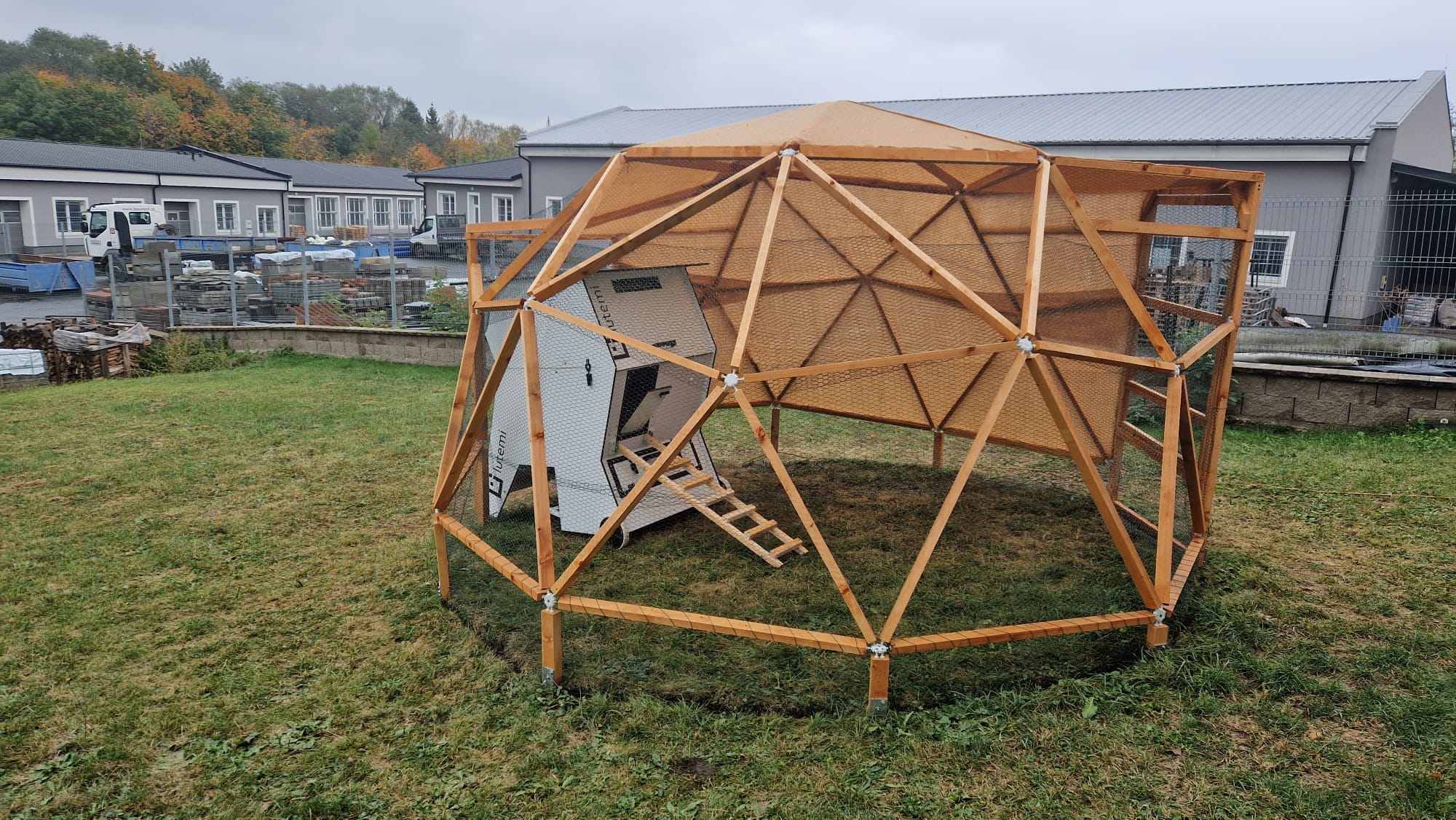
The “smart henhouse in the parking lot” model.
You flash firmware directly on the device. You debug in real conditions. You fight with long USB cables beyond specification. Connections flap. Power issues appear. You walk outside to reproduce a bug.
It works — but it doesn’t scale.
2. Testbed
A reduced setup: PCB, minimal sensors, basic wiring.
You can develop 80–90% of functionality. You can take it to your office. It’s dramatically better.
But it is still physical. And it still cannot simulate environmental variability reliably.
A testbed accelerates development — but it cannot simulate the world outside the lab.
3. Bare Hardware Board
A board, USB cable, power supply.
Great for firmware basics:
- UI redesign
- Memory management
- Flash wear optimization
- Refactoring into reusable libraries
Many libraries in our public repositories started this way.
But you cannot meaningfully tune automation algorithms without real sensors and environment.
4. Remote Agents
This is where virtualization begins.
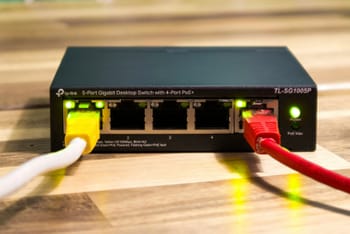
A small machine (e.g., a Raspberry Pi) sits next to your hardware and exposes USB over Ethernet. Through VPN, your device appears locally available — even if it’s across the world.
We used PlatformIO Remote for this.
When it works, it works well.
When it breaks, you debug the bridge instead of the firmware.
Still — this is a leap forward. It enables CI pipelines that build, flash, and test on real hardware.
5. Emulation (QEMU)
Now we move up a layer.
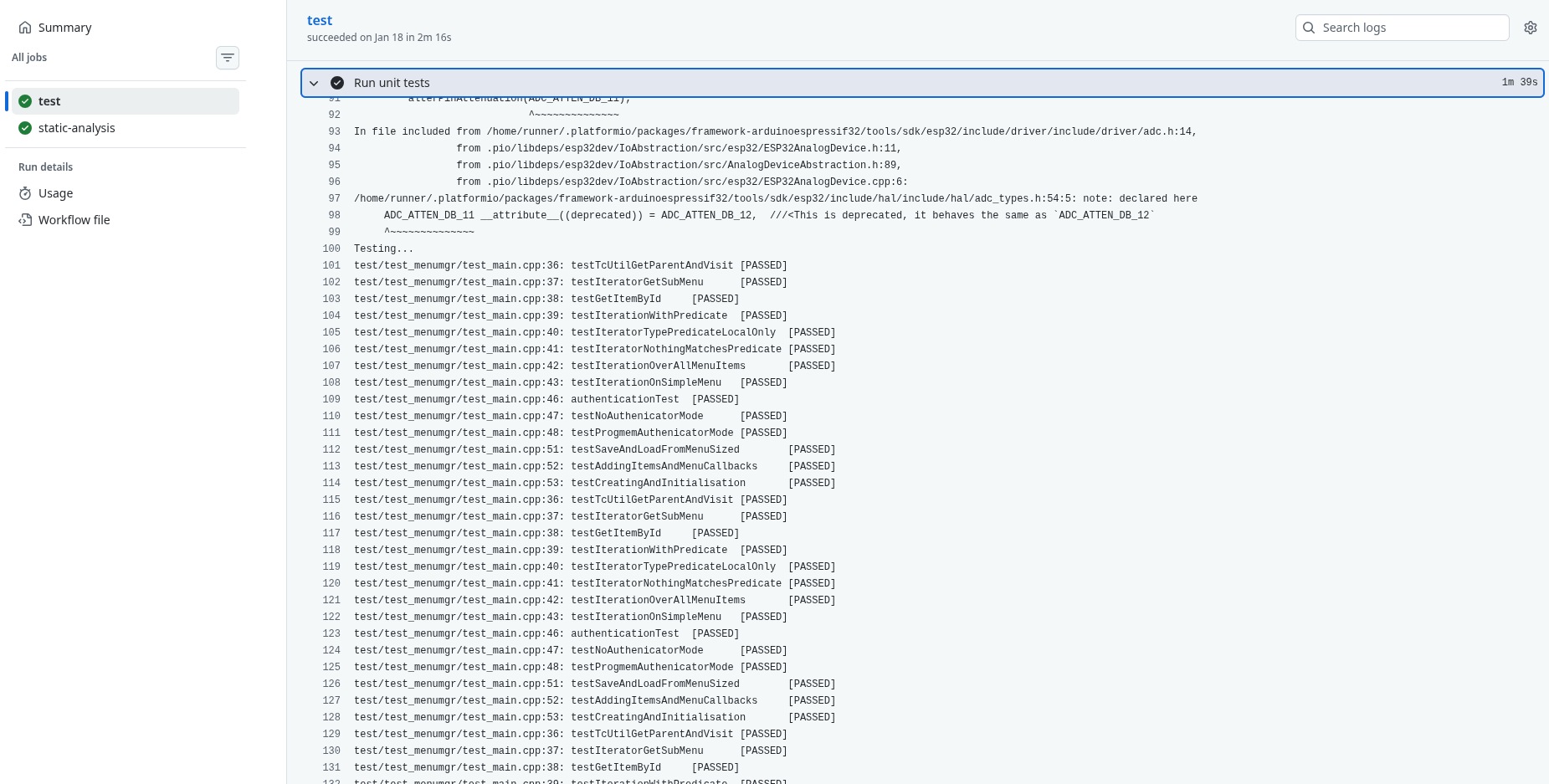
With QEMU (or vendor-maintained forks), you can emulate supported hardware platforms. During work on TcMenu, I enabled automated builds and unit testing through QEMU in CI. Once configured, regressions became visible immediately.
This is what Android developers take for granted.
Emulation decouples most development from physical devices.
But emulation has limits:
- GPIO-heavy workflows
- Complex sensor arrays
- Motors, environmental inputs
It’s closer to a bare board than to a full system.
6. Full Simulation
This is the real force multiplier.
Beyond emulation lies environmental simulation.
Imagine describing your entire hardware setup and its environment in configuration files — similar to docker-compose, but for embedded systems.
You simulate:
- Temperature curves
- Humidity fluctuations
- Sensor noise
- Motor responses
- Timing anomalies
You reproduce them predictably.
You run them in CI.
You validate behavior before hardware revisions are manufactured.
While experimenting with Renode, I saw the direction clearly — even though ESP32 support limited our use.
The tool maturity varies.
The architectural principle does not.
The Real Cost of Staying Physical
Without virtualization, hardware teams accumulate invisible friction:
- Development depends on geography.
- Testing depends on access windows.
- Regressions hide until late stages.
- Refactoring feels risky.
This is technical debt by design.
Not because engineers are careless.
Because atoms are slow.
The Strategic Advice
If you are early in a hardware startup:
Choose your hardware stack with emulator and simulator support in mind.
One week spent validating toolchain compatibility can save months of constrained development later.
If you are already deep into your current hardware:
Transition gradually.
Use emulation for core logic.
Introduce remote agents.
Experiment with simulation for the next hardware revision.
Our MVP hardware remains mostly unchanged — and well tested. But the next major iteration will likely be built with virtualization support as a first-class requirement.
Conclusion
Hobby developers test manually.
Professionals design workflows.
Virtualization moves embedded development closer to software engineering:
- Reproducible environments
- Automated regression testing
- Hardware abstraction
- Location independence
The hidden cost of not virtualizing your hardware is not technical.
It is architectural.
And it compounds.